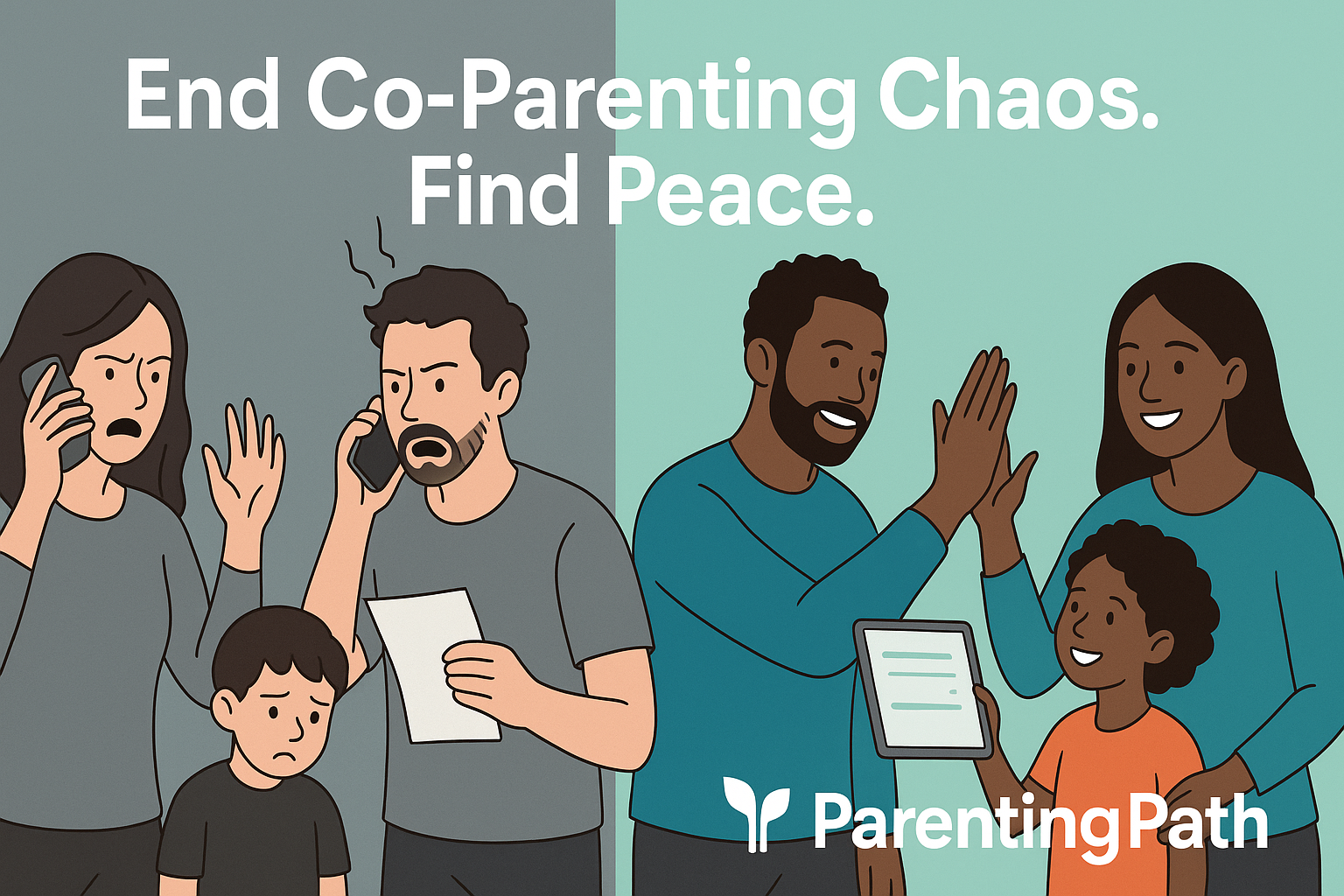
Co-parenting in 2025 is made easier with apps designed to improve communication, schedule management, and expense tracking between separated parents. These tools help reduce conflicts and keep both households organized.
The best co-parenting apps offer shared calendars, secure messaging, and legal documentation features to support smooth cooperation and clear communication.

Many apps now include extra functions like AI-powered message tone checks, detailed custody planning, and expense transparency. These features are especially helpful in complex or high-conflict situations, where keeping a clear record and staying organized is vital.
Different apps cater to a range of family needs, making it easier to find a solution that fits individual situations. With so many options available, knowing which app balances privacy, ease of use, and the right features can save time and stress.
Key Takeaways
- Effective co-parenting apps improve communication and organization between parents.
- Specialized tools support different family needs and conflict levels.
- Choosing the right app can help manage schedules, expenses, and legal documentation.
Key Benefits of Using Co-Parenting Apps

Co-parenting apps offer tools that help separated or divorced parents organize schedules, communicate effectively, and manage shared custody responsibilities. These apps reduce confusion and conflict by keeping important information in one place.
They improve coordination while supporting a consistent parenting environment for the child.
Streamlining Communication and Scheduling
Co-parenting apps provide a shared calendar where both parents can add, update, or view appointments like school events, doctor visits, and extracurricular activities. This live, color-coded calendar helps avoid scheduling conflicts and last-minute surprises.
Built-in secure messaging allows parents to communicate about changes or reminders without relying on texts or phone calls that can be missed or misunderstood. Notifications alert users when new messages or updates happen, so no important details get overlooked.
These apps also enable syncing with existing calendars, making it easier for parents to stay organized across multiple platforms.
Promoting Consistency and Reducing Conflict
Using a dedicated co-parenting app promotes fairness and accountability. Since messages are timestamped and cannot be deleted or altered, misunderstandings are minimized.
Shared calendars show each parent’s plans clearly, helping both stick to the agreed parenting schedule. This consistency is important for the child’s stability and emotional well-being.
The apps also offer tools like message templates for routine topics, which reduce the chance of heated exchanges.
Supporting Documentation and Legal Needs
Co-parenting apps often store communication records and schedules in one place. This creates an organized history that can be useful for family court or legal discussions.
Parents can easily access proof of exchanges, schedule changes, and agreed actions. Some apps are court-approved, which means they meet legal standards for documentation and data privacy.
Additionally, many apps use strong encryption and privacy measures, protecting sensitive information while supporting both parents’ rights and responsibilities throughout their parenting after separation.
For more on how apps help with secure messaging and schedule management, see best co-parenting apps for 2025.
Essential Features to Look For in the Best Co-Parenting Apps

A good co-parenting app must cover key areas that support clear communication, organization, and shared responsibility. The tools should be practical, easy to use, and designed specifically to handle the challenges of separated parenting.
Features like scheduling, messaging, financial tracking, and document management are essential for smooth coordination.
Shared Calendars and Scheduling Tools
Shared calendars are the heart of any co-parenting app. They allow both parents to see and manage the parenting schedule in one place.
This includes regular custody days, school events, doctor appointments, and holidays. A good shared calendar offers color-coding and customizable views to make it easy to track who is responsible for the child at any time.
Scheduling tools often include options for sending reminders and notifications, reducing the chance of missed appointments. Parents can request changes, and the app records all updates with time stamps to keep communication clear.
Secure Messaging and Communication Tools
Secure messaging is vital in a co-parenting app to ensure communication stays focused on parenting matters and avoids emotional escalation. Time-stamped messages create an unchangeable record of conversations, which can be important if disputes arise.
The messaging system should be easy to use and allow for attaching images, documents, or other files. Some apps include features like tone meters that help keep communication respectful.
Secure audio and video calls may also be offered for direct conversations without sharing personal contact details.
Expense Tracking and Financial Transparency
Managing shared financial responsibilities is a common challenge for co-parents. Expense tracking tools allow parents to log costs related to the children, like school fees, medical bills, or clothing.
A reliable expense tracker lets users upload receipts and categorize expenses for clear records. It should also support tracking reimbursements and payment deadlines.
Document Storage and Sharing
Document storage and sharing capabilities provide a central place where important files related to co-parenting can be kept. This includes parenting plans, court orders, medical records, and school reports.
A secure document storage feature allows both parents to upload, view, and download files anytime. It should protect sensitive information while making it easy to share documents with extended family or professionals involved in the child’s care.
For more details on the best apps and their key features, visit the guide on best co-parenting apps for 2025.
Top Co-Parenting Apps for 2025: Reviews and Comparisons

Choosing the right co-parenting app depends on factors like communication needs, legal use, and budget. Some apps focus on secure messaging and court approval, while others offer cost-free, easy scheduling tools.
The following options represent top choices for parents seeking reliable and practical digital support.
OurFamilyWizard: Comprehensive and Court-Approved
OurFamilyWizard (OFW) is often seen as the gold standard for co-parenting apps in complex or high-conflict cases. It offers a shared calendar, expense tracking, secure messaging, and document storage.
Every message and transaction is time-stamped and saved, making it ideal for court use. A unique feature is the ToneMeter, which helps reduce conflicts by flagging potentially aggressive language before messages are sent.
The app’s acceptance by courts and mediators adds extra trust for users needing transparent records. Pricing starts around $144 yearly, reflecting its comprehensive features and legal reliability.
AppClose: Best Free Option for Legal Use
AppClose stands out as a fully free co-parenting app that offers professional-quality tools without subscription fees. It includes shared calendars, time-stamped messaging, and expense tracking.
Payments can be requested and made securely inside the app with AppClose Pay, avoiding awkward exchanges outside the platform. Its documentation features allow parents to export messages and calendars for court or mediation, making it a dependable free option.
Because it has no ads or hidden fees, AppClose delivers straightforward, user-friendly co-parenting support at zero cost.
Talking Parents: Ideal for High-Conflict Co-Parenting
Talking Parents focuses heavily on accountability and legal documentation. All messages, calls, and video chats are recorded, time-stamped, and securely stored.
This feature ensures no communication can be deleted or misunderstood later, which is critical in contentious co-parenting situations. It also offers shared calendars and payment features.
The app’s main strength is creating an indisputable record of interactions that courts recognize. Talking Parents has a free web option and a Premium plan for $9.99 monthly, catering to parents seeking trusted evidence in court or mediation.
2houses: All-in-One Family Coordination Platform
2houses combines organization, communication, and financial tracking in one clean app. It features shared calendars, expense logging, secure messaging, and a journal for updates like school reports or travel plans.
Both parents and children can have accounts, allowing kids to check schedules without seeing private adult information. Its visual design simplifies complex custody arrangements, making it easier to understand at a glance.
With plans starting at about $170 per year, 2houses offers a mature platform that balances ease of use with powerful features.
For more detailed information, see co-parenting app reviews at SheKnows.
Specialized Co-Parenting Apps for Diverse Family Needs
Different families have unique needs when it comes to co-parenting. Some require tools for flexible scheduling, others focus on simple planning or detailed custody tracking.
Some apps support extended family involvement and task management. These options provide features tailored to specific situations.
WeParent: Flexible Schedules and Task Management
WeParent is designed for co-parents who need adaptability. It offers a shared calendar to arrange complex or changing schedules with ease.
Parents can manage tasks beyond just custody, such as appointments, school activities, and chores. The app includes a to-do list feature that helps track shared responsibilities, making sure nothing is missed.
WeParent’s budgeting tool allows parents to record and split expenses transparently. This helps avoid confusion over financial matters.
A built-in messaging system keeps communication clear and recorded. WeParent also offers a journal feature so parents can note important moments or observations about their children.
Coparently: Simplified Child-Centered Planning
Coparently focuses on straightforward co-parenting with a child-first approach. It provides a clear, user-friendly shared calendar where parents can set visitation times and daily routines, minimizing scheduling conflicts.
One major strength is its focus on simplicity. Coparently supports expense tracking with an easy system for submitting and confirming payments.
Parents can access reports that show spending clearly. The app includes a journal feature, allowing each parent to record milestones or concerns.
Custody X Change: Detailed Custody Tracking
Custody X Change stands out for parents needing to keep detailed custody records. It offers tools to build precise parenting schedules and track them consistently over time.
This app is useful for those involved in legal processes or mediation because it generates court-ready reports. It records exchanges, visits, and other events with timestamps, which supports accountability.
Beyond scheduling, it includes expense tracking for shared costs.
Cozi and Family Organizers: For Amicable Co-Parents
Cozi is more of a family organizer than a strict co-parenting app but works well for cooperative co-parents. Its focus is on including extended family, like grandparents, in shared calendars and tasks.
Cozi offers shared calendars, shopping lists, meal planning, and to-do lists that all family members can access. This helps keep everyone aligned on activities and responsibilities.
Cozi’s simple design suits parents who want a flexible, non-confrontational way to stay organized with their children’s day-to-day needs.
For users looking for more specialized parenting scheduling, FamCal and TimeTree are similar options worth considering.
Advanced Considerations: Privacy, Legal Compliance, and High-Conflict Support
Choosing the right co-parenting app means looking beyond basic features. Important details include how the app protects personal data, supports legal processes, and manages communication in tense situations.
These aspects directly affect the user’s peace of mind and effectiveness in co-parenting.
Data Security and Privacy Features
Data security is crucial in co-parenting apps because they handle sensitive information such as custody agreements, schedules, and financial details. The best apps use encryption to protect messages and documents from unauthorized access.
Features like time-stamped messages and unalterable communication ensure all information is accurate and trustworthy. Privacy policies should clearly explain data collection and sharing practices.
Many apps also limit data access to authorized users only. Location tracking, important for exchange logistics, should be optional and transparent.
Apps like AppClose and OurFamilyWizard focus heavily on privacy with court-trusted security measures. Users should verify these features before committing, especially in high-conflict situations where privacy breaches could escalate disputes.
Court-Admissible Records and Documentation
Legal compliance is a key advantage of many top co-parenting platforms. They store communication, expense tracking, and custody schedules in formats accepted by courts.
Non-editable and time-stamped records provide solid evidence if disputes require legal intervention. Tools that integrate expense tracking and document storage simplify managing shared costs transparently.
Features like OurFamilyWizard’s ToneMeter help maintain respectful communication, which courts favor. Parents benefit from easy exports of conversation histories and agreements, saving time and legal fees.
Mediation and Communication Monitoring Tools
High-conflict co-parenting requires special tools to reduce tension and manage disputes. Some apps include built-in mediation support or access to professional help online.
Others offer communication monitoring that analyzes message tone, encouraging respectful exchanges. ToneMeter, for instance, alerts users when language becomes hostile, helping to de-escalate potential arguments.
In-app messaging combined with call recording and shared calendars also keeps communication clear and verifiable. By providing structured communication and resources for conflict resolution, these tools assist co-parents in maintaining cooperation even when trust is low.
For more details on these features, check out the overview of top co-parenting apps.
Frequently Asked Questions
Co-parenting apps in 2025 offer a range of tools for communication, scheduling, and expense tracking. Some apps are designed for simple coordination, while others specialize in managing complex or high-conflict situations.
Features like court approval, secure messaging, and detailed logs are important in many cases.
What are the top-rated co-parenting apps available for download in 2025?
Top apps include AppClose, OurFamilyWizard, TalkingParents, and 2Houses. These apps provide shared calendars, messaging, expense tracking, and document storage.
Many are available on both Android and iOS platforms.
Which co-parenting apps are recommended for managing high-conflict situations?
OurFamilyWizard and TalkingParents are favored in high-conflict cases. They offer secure, time-stamped communication logs and tools like ToneMeter to reduce hostile messages.
These apps help create clear records often used in custody disputes.
How can I track shared expenses with my co-parent using an app?
Apps like Coparently and 2Houses focus on shared expense tracking. They provide detailed logs of costs, allow uploading receipts, and offer clear reports.
This helps parents maintain financial transparency and avoid disagreements.
Are there any co-parenting apps that are recognized and approved by family courts?
Yes, AppClose and OurFamilyWizard are widely court-approved in the U.S. These apps are used in legal custody cases due to their reliable record keeping and communication features.
Courts sometimes recommend or require their use.
What features should I look for in a secure co-parenting app?
Look for encrypted messaging, uneditable logs, time-stamped communication, and secure file sharing. The app should also offer separate logins for professionals like lawyers or therapists if needed.
These features help protect privacy and support legal needs.
Can I find a robust co-parenting app that is available for free?
AppClose is a fully free and court-approved option. It includes messaging, calendar sharing, and expense tracking.
Cozi also offers free calendar and list sharing. This is ideal for low-conflict situations.
Most other apps have free trials but require payment for full features.
For more details on these apps and their features, visit the page about the best co-parenting apps for 2025.