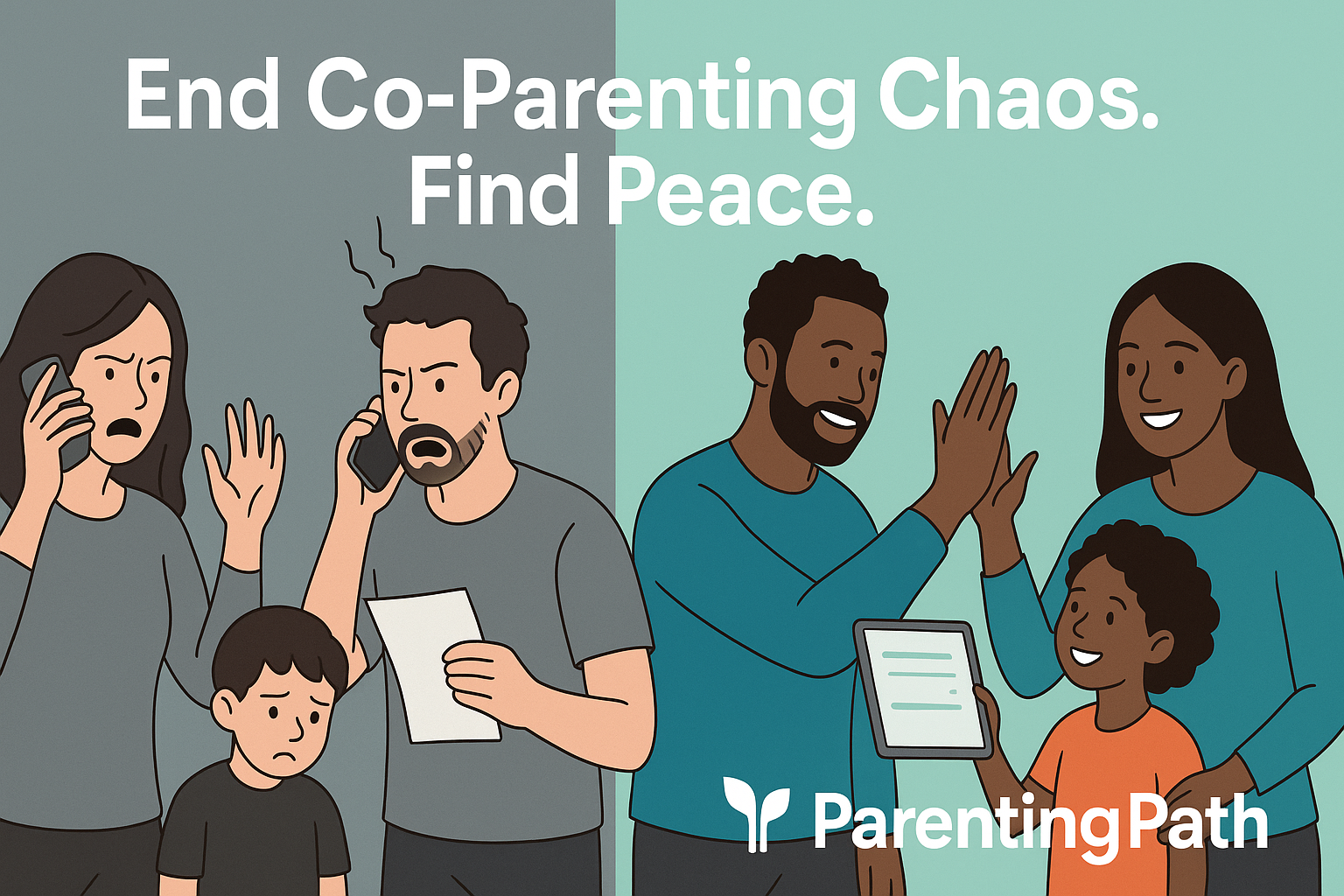
Co-parenting after separation or divorce often brings challenges like miscommunication and emotional conflict. Co-parenting apps help reduce these conflicts by providing clear, organized communication channels, shared calendars, and expense tracking tools, which keep both parents on the same page.
These apps create a structured space where discussions focus on the child’s needs rather than personal disagreements.

By using time-stamped messages and automated reminders, co-parenting apps reduce misunderstandings and prevent scheduling errors. They also provide a neutral platform that limits emotional triggers, making it easier for parents to coordinate and cooperate even in high-conflict situations.
Technology alone does not solve all issues, but these apps support better teamwork by managing logistics and promoting accountability. When parents communicate respectfully and share important information reliably, children experience a more stable and peaceful environment, which benefits their well-being.
Key Takeways
- Organized tools improve communication and reduce disagreements.
- Shared schedules and reminders help prevent conflicts over plans.
- Neutral platforms encourage respectful, focused parenting cooperation.
The Role of Co-Parenting Apps in Reducing Conflict
Co-parenting apps help parents stay organized and clear in their communication. They provide tools that prevent confusion, promote honesty, and keep emotional reactions from escalating.
By using these tools, parents can focus on their child’s needs rather than disputes.
Minimizing Misunderstandings Through Structured Communication
Co-parenting apps create a clear space for parents to exchange information. These apps use timestamped messages that cannot be edited or deleted.
This means every detail shared is recorded exactly as sent, which helps avoid “he said, she said” arguments. Parents can schedule visits, share important updates, and manage day-to-day plans through shared calendars.
Automated reminders prevent missed appointments or double bookings. Using apps eliminates the need for children to relay messages, which protects them from getting caught in conflicts.
Creating Accountability and Transparency Between Parents
Co-parenting apps increase accountability by keeping all communication visible and permanent. When parents communicate through these platforms, they leave a reliable and court-admissible record.
This record helps prove what was agreed upon or discussed. Transparent tracking of schedules, expenses, and parenting time can stop disagreements before they start.
Parents are less likely to deny or forget commitments because the app keeps facts clear. This openness encourages parents to stick to agreements and respect boundaries.
It also supports co-parenting arrangements with evidence that can be used in legal situations if needed.
Reducing Emotional Escalation Through Neutral Platforms
Co-parenting apps provide a neutral and non-judgmental space for communication. Unlike texts or face-to-face talks that can be heated, these apps create a buffer that allows parents to respond thoughtfully.
Features like tone meters or delayed sending help reduce rash or emotional replies. Parents get time to cool down and make clearer decisions.
Using a digital platform separates personal feelings from parenting tasks. This helps parents avoid triggering arguments and promotes calmer, more respectful exchanges.
With less emotional escalation, co-parenting becomes more manageable and less stressful.
To explore more about co-parenting apps and their benefits, visit the article on The Best Co-Parenting Apps to Improve Communication and Reduce Conflict.
Key Communication Tools and Features

Co-parenting apps offer concrete tools that improve how parents share information, schedule time, manage money, and track shared responsibilities. These features help keep communication clear, organized, and focused on facts rather than emotions.
In-App Messaging and Secure Documentation
In-app messaging lets co-parents communicate in one safe place. Messages stay private and often cannot be deleted.
This helps keep a record of conversations and agreements. Secure documentation means parents can attach important files like school records, medical notes, or court orders.
Many apps use encryption to protect messages from being seen by others. Some apps allow setting notifications for unread messages to ensure timely responses.
Clear, written communication reduces the chance of misunderstandings and arguments by keeping everything in writing and easy to review.
Shared Calendars for Custody and Activities
Shared calendars organize custody schedules, school events, appointments, and extracurricular activities. Both parents can see and update the calendar anytime, which helps prevent scheduling conflicts.
Calendars often include alerts or reminders for upcoming events. This lets parents plan ahead and stay involved without constant back-and-forth messages.
Some apps allow color-coding or tagging to mark different types of events, making it easy to scan the calendar at a glance.
Expense Tracking and Financial Clarity
Tracking expenses helps parents manage shared costs fairly, such as child care, medical bills, and school supplies. Expense tracking features let users add amounts, upload receipts, and assign who paid what.
This creates transparency and reduces disputes over money. Some apps automatically calculate how much each parent owes or settles balances between them.
Clear financial records make budgeting simpler and keep money discussions factual, not emotional.
Task and To-Do List Management
Task lists allow co-parents to assign and track shared responsibilities, like buying groceries, arranging transportation, or attending school meetings. To-do lists can be updated in real time so both parents know what still needs to be done.
This feature reduces confusion and missed obligations. Reminders and deadlines help users stay organized.
When each parent can see the other’s tasks, it promotes accountability and balances the workload fairly, easing tension.
Popular Co-Parenting Apps and Their Strengths
Different co-parenting apps offer unique tools designed to help parents manage communication, scheduling, and legal needs. Some focus on court-approved messaging to reduce conflict, while others simplify organizing shared family life or preparing custody agreements.
Each app addresses key challenges in co-parenting with specific strengths.
OurFamilyWizard: Court-Approved Communication and Scheduling
OurFamilyWizard is widely used for high-conflict co-parenting situations and court involvement. It offers secure, timestamped messaging that cannot be edited or deleted, which helps create a clear, reliable record for legal purposes.
The app includes a built-in tone meter, prompting users to reconsider messages that might escalate conflict. Scheduling features are robust, allowing shared calendars to track custody exchanges, appointments, and events.
Parents can also upload and share important documents and expense records within the app. While it requires a paid subscription, many find the detailed records and court-admissible data worth the cost.
Its availability on iOS, Android, and web platforms makes it accessible for most users.
TalkingParents: Simplifying High-Conflict Interactions
TalkingParents provides a free basic plan with options to upgrade for advanced features. It focuses on maintaining a permanent, tamper-proof communication history.
This helps prevent disputes about who said what and when, reducing misunderstandings. The interface is straightforward but can feel outdated to some users.
However, it excels in creating clear, court-admissible records of communication. Parents who deal with frequent conflict or legal challenges may find TalkingParents useful for accountability.
It is available on iOS, Android, and web, making it flexible for most co-parents. While it lacks some advanced scheduling tools, it covers the core need for documented communication well.
Cozi: Organizing Shared Family Life
Cozi is best suited for co-parents who have a smoother relationship and mainly need help managing schedules. It offers a shared calendar, shopping lists, and to-do lists, all designed for easy family coordination.
The free version is quite functional, with a paid Gold plan adding some extras. Unlike other apps, Cozi does not focus on messaging or legal documentation.
It supports friendly co-parenting by keeping track of appointments, school events, and activities in one place. Available on iOS, Android, and the web, Cozi is easy to use and designed for parents working cooperatively.
Custody X Change: Effective Custody Agreements and Scheduling
Custody X Change is ideal for parents preparing custody agreements or needing detailed scheduling tools. It helps create visual parenting schedules and generates reports, which can support legal cases.
The app also tracks parenting time and expenses. While it is excellent for custody planning and court preparation, Custody X Change is less focused on daily communication between co-parents.
It is available on Windows and mobile browsers, with apps for iOS and Android that run through browsers. Parents dealing with custody disputes or legal negotiations benefit from its ability to create clear, customizable schedules and documentation that courts respect.
Addressing Challenges for Separated and Blended Families

Co-parenting in separated and blended families often requires clear communication and careful planning. Parents must handle complex schedules, maintain respectful dialogue, and support the well-being of all children involved.
Digital tools can make these tasks easier by organizing information and reducing misunderstandings.
Supporting Separated Parents in Transition
Separated parents face emotional and logistical hurdles as they adjust to new roles. Tensions often run high, which can make communication difficult.
Apps help by creating a neutral space where messages are time-stamped and uneditable, reducing “he said, she said” conflicts. These tools also protect children from being messengers between parents, which helps reduce emotional stress on kids.
Features like expense tracking and shared calendars keep parents focused on their responsibilities, instead of disputes. For example, using apps with court-admissible records can help when legal clarity is needed.
Managing Shared Schedules in Blended Family Dynamics
Blended families have to juggle multiple relationships, activities, and homes. Scheduling becomes more complicated with stepchildren and different parenting households involved.
Co-parenting apps simplify this by offering shared calendars in one place. Parents can easily add school events, doctor appointments, or extracurricular activities for all children and stepchildren without confusion.
This reduces overlap and missed engagements. Some apps let all parents and caregivers access the same updates, improving overall transparency.
Managing expenses related to childcare across households also becomes more straightforward with built-in tools.
Promoting Collaboration in the Parenting Relationship
Effective co-parenting depends on mutual respect and clear boundaries. Apps encourage calm, thoughtful communication by offering features like tone meters or cooling-off periods before messages are sent.
This helps avoid impulsive, heated responses. By keeping a record of interactions, parents feel more accountable, which lowers conflict likelihood.
Even if one parent is reluctant, using these tools individually can improve organization and reduce stress. Offering choices between apps or emphasizing the child’s needs can help involve a resistant co-parent in the process.
Tools that support shared decision-making foster a more collaborative spirit, making parenting smoother despite family complexities. For blended families, clear roles and open dialogue are key to maintaining stability and trust.
Read more about co-parenting apps and communication.
Best Practices for Using Co-Parenting Apps Effectively
Using a co-parenting app well requires clear communication, careful use of app features, and attention to privacy. These steps help avoid misunderstandings, build trust, and keep both parents accountable.
Setting Communication Boundaries and Expectations
It’s important for co-parents to agree on how and when to use the app for communication. Setting rules upfront helps avoid message overload and emotional escalations.
For example, parents can decide to send non-urgent messages only during specific hours or agree to respond within 24 hours. Using the app as the main way to share information about the child keeps communication organized and transparent.
It also prevents the child from becoming a messenger. Parents should avoid sending texts or calls about parenting issues outside the app unless in emergencies.
Clear expectations reduce conflicts and help both sides remain respectful. If tone or content feels unclear, encouraging calm replies or even a mediated conversation through the app may help.
Leveraging App Features for Ongoing Cooperation
Co-parenting apps often include tools beyond messaging, like shared calendars, expense tracking, and document storage. Using these features fully can reduce daily conflicts over schedules or money.
Parents should regularly update the calendar with appointments, activities, and visitation times. Logging expenses with receipts in the app creates clear records and prevents arguments about money.
Some apps offer tone meters or read receipts that promote respectful communication and accountability. Using these tools helps keep the focus on the child’s well-being, not parental disputes.
By routinely using all available features, co-parents build a habit of cooperation that can ease tensions over time.
Maintaining Privacy and Security
Security is key when sharing sensitive family information. Parents should use strong passwords and update them regularly.
It’s best not to share login details. Using apps with encrypted messaging and court-admissible records protects communication from misuse.
Parents should be aware that everything sent in the app may be saved and used in legal situations. Privacy settings should be reviewed to ensure only the intended parties have access.
Avoid including unnecessary personal details in messages.
For more on co-parenting app options and tips, see the guide on the best co-parenting apps.
Frequently Asked Questions

Co-parenting apps offer specific tools to improve communication, organize schedules, and handle costs. They also vary in price, security measures, and legal recognition.
Understanding these details helps parents choose the best app for their situation.
What features should one look for in a co-parenting app to ensure effective communication?
Key features include secure messaging that prevents editing or deleting messages to avoid disputes. A tone checker helps reduce misunderstandings by alerting users to potentially harsh language.
Documentation tools that keep a clear record of conversations are important, especially when proof may be needed later.
How can co-parenting apps assist in managing shared custody schedules?
Many apps offer shared calendars where both parents can add events like school pickups, doctor visits, and extracurricular activities. Automated reminders reduce missed appointments.
Some apps also allow parents to propose changes and confirm them within the platform, keeping all scheduling organized and transparent.
What are the cost considerations when choosing a co-parenting app?
Costs range from free with limited features to monthly or annual subscriptions around $5 to $60. Some apps offer free versions with optional paid upgrades, while others provide full features for no charge.
Fee waiver programs or trial periods may be available to help families evaluate before committing.
Are there specific co-parenting apps recognized by family courts, and how do they aid legal processes?
Yes, apps like OurFamilyWizard and TalkingParents produce court-admissible records. These apps timestamp messages and prevent editing to ensure accountability.
Courts often accept these records as evidence in custody or dispute cases, helping reduce time and costs in legal proceedings.
How do co-parenting apps safeguard personal information, especially for high-conflict cases?
Top apps use encryption and secure servers to protect messages and data. Some provide restricted access features, ensuring only authorized users see sensitive information.
In cases with high conflict, digital records can prevent tampering and miscommunication by keeping a reliable log of interactions.
Can co-parenting apps improve the relationship between parents post-divorce?
They can help by creating a neutral communication space that reduces emotional triggers.
Clear documentation and structured tools encourage respectful exchanges and accountability.
Learn more about co-parenting apps and conflict reduction