
Updated: 2026-06-01
Quick answer: A parent communication app is a single platform that centralizes the things co-parents have to coordinate across two homes — the schedule, messaging, shared expenses, and documents — so they stop living in scattered texts, calls, and memory. It helps by giving both parents one shared source of truth, a neutral channel that keeps communication civil, and a documented record that prevents disputes. Most separated parents benefit, and high-conflict situations benefit most. Getting started is simple: pick a tool that fits your needs, agree to use it together, and move your coordination into it. The point isn’t the technology — it’s replacing chaos with structure.
Disclaimer: This article is for general information only and is not legal, medical, or psychological advice. Custody and family law vary by state and country. For decisions affecting your children or your case, consult a licensed family attorney and, where appropriate, a qualified mental health professional.
Coordinating a child’s life across two households generates a constant stream of small messages, schedule changes, and shared costs. Handled over regular text and memory, it gets messy fast — and messy is where conflict starts.
A parent communication app exists to put all of that in one organized place. This guide is a plain-language introduction: what these apps actually are, the specific problems they solve, what you can manage in one, who gets the most out of them, and how to start. It’s about understanding the tool, not selling one.
Table of Contents
- What is a parent communication app?
- How does a communication app help co-parents?
- What can you manage in one app?
- Who benefits most from one?
- How do you get started?
- Frequently Asked Questions
What is a parent communication app?
A parent communication app is a platform built specifically for separated parents to coordinate raising a child from two homes. It typically combines a shared calendar, secure messaging, expense tracking, and document storage in one place designed for co-parenting.
The defining idea is consolidation. Instead of a schedule in one place, messages in a text thread, receipts in an email, and forms on a kitchen counter, everything lives in a single shared system both parents can access. Many of these apps also add features built for the realities of co-parenting — documented, time-stamped records, tone tools that flag hostile language, and separate access for professionals like a mediator or lawyer. They’re distinct from a general shared calendar in that they’re purpose-built for the two-household coordination problem, though a shared calendar covers the scheduling piece for lower-conflict parents. For a comparison of which apps fit which needs, see best co-parenting apps: how to choose.
How does a communication app help co-parents?
A communication app helps by solving the specific problems that make co-parenting coordination hard: missed information, emotionally charged messaging, and disputes over what was agreed. It replaces a fragile, scattered process with a reliable, documented one.

Three benefits stand out. First, a shared source of truth: when both parents see the same calendar and information, the “you never told me” disputes mostly disappear. Second, a neutral channel: a business-like messaging space, sometimes with tone alerts, takes the heat out of exchanges that would escalate over text. Third, accountability: documented, time-stamped records mean nothing can be distorted later, which both ends arguments and tends to make people communicate more carefully — the kind of accountable record that fits the practice standards developed by the Association of Family and Conciliation Courts. These add up to less conflict, which matters well beyond the parents’ stress — the American Psychological Association ties children’s adjustment after a separation to the conflict they witness. The full mechanism is in how co-parenting apps help reduce conflict.
What can you manage in one app?
A single parent communication app can manage most of the day-to-day coordination of co-parenting: the schedule, communication, shared expenses, and documents. Consolidating them is what removes the gaps where things get lost.
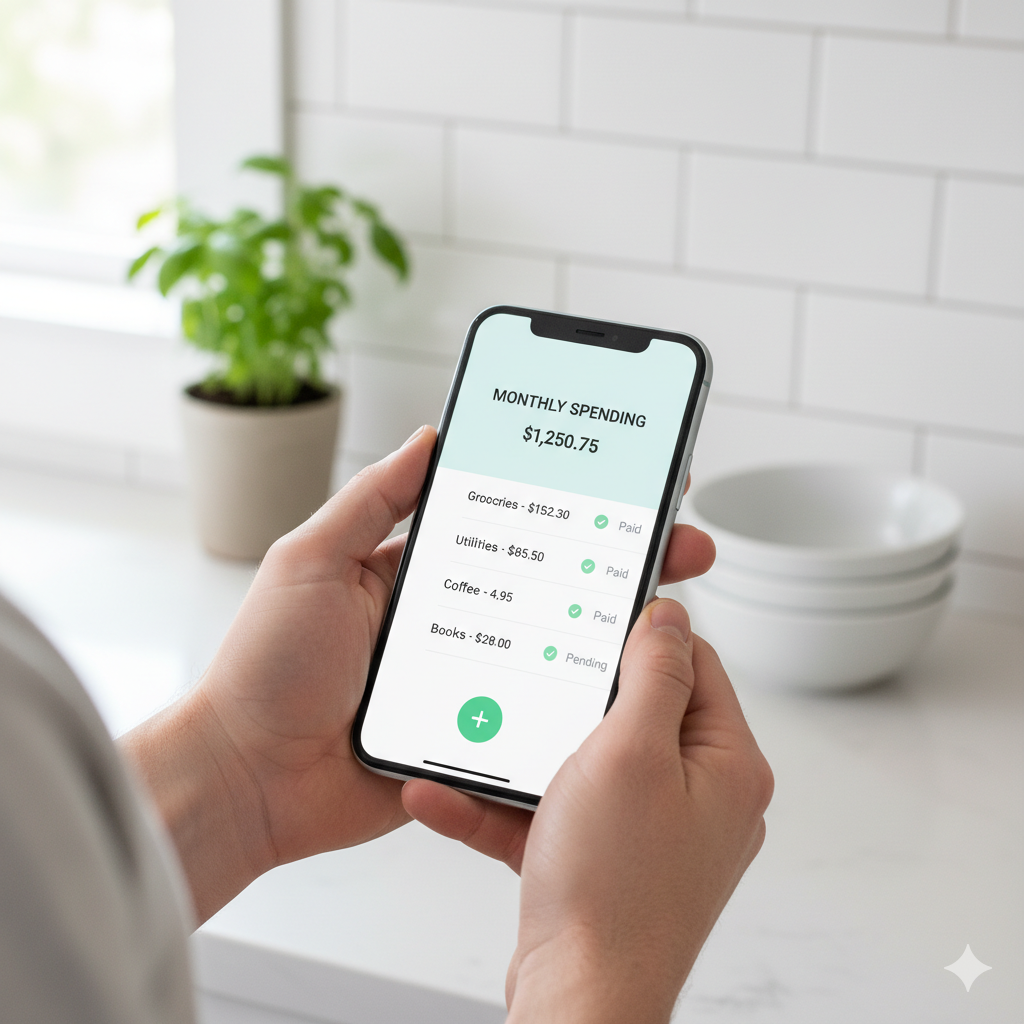
The table below lays out the core functions and what each handles.
| Function | What it handles |
|---|---|
| Shared calendar | Parenting time, exchanges, holidays, the child’s activities |
| Messaging | Documented, neutral communication about the child |
| Expense tracking | Logging and splitting shared costs, with receipts and reports |
| Document storage | School forms, medical records, important paperwork |
| Records / logs | Time-stamped, tamper-evident history for accountability |
You don’t have to use every function — many parents lean on the calendar and messaging most, and add expense tracking when shared costs are a friction point. The value is having them in one place so coordination doesn’t fragment across apps. The communication side specifically is covered in best apps for co-parenting communication, and the organization side in digital tools to keep co-parenting organized.
Who benefits most from one?
Most separated parents benefit from a communication app, but the benefit scales with conflict and complexity — high-conflict situations and busy, complicated schedules get the most out of one. Low-conflict, cooperative parents may need only a shared calendar.
The more friction in your co-parenting, the more an app earns its place. For high-conflict situations, the documented records and neutral channel are close to essential — they create accountability and reduce the direct contact that sparks conflict, which is why they pair so well with the strategies in how to co-parent with a difficult ex. For busy families juggling activities, medical appointments, and complex schedules across two homes, the consolidation alone is worth it. And for anyone whose situation may involve the court, the documented record matters from the start. Cooperative parents with simple schedules can often manage with a basic shared calendar — the tool should match the need, not the other way around.
How do you get started?
Getting started is straightforward: identify your main need, choose a tool that fits, agree with the other parent to use it, and move your coordination into it. The hardest part is usually mutual buy-in, not the technology.
Begin by naming the problem you most want to solve — scheduling, communication, expenses, or documentation — and pick the simplest tool that covers it; many apps offer free tiers to start with. The decisive step is agreement: an app only works if both parents use it, so where possible, choose it together and commit to keeping your coordination there rather than reverting to scattered texts. Then move the essentials in — the schedule, the recurring expenses, the key documents — and use the app as the single source of truth going forward. Pair it with the communication habits in co-parenting communication strategies that work; the app makes those habits easier to keep, but it doesn’t replace them.
Frequently Asked Questions
What is a parent communication app?
It’s a platform built for separated parents to coordinate raising a child across two homes, typically combining a shared calendar, secure messaging, expense tracking, and document storage in one place. Many add documented, time-stamped records and tone tools. The core idea is consolidation — putting the scattered pieces of co-parenting coordination into a single shared system both parents can access.
How does a communication app reduce co-parenting conflict?
By giving both parents one shared source of truth (ending “you never told me” disputes), a neutral business-like channel that keeps messaging civil, and documented records that prevent arguments over what was agreed. Knowing communication is logged also tends to make both parents more measured. Together these remove the common triggers of conflict, which protects the child from exposure to it.
What can I manage with one app?
The schedule (parenting time, exchanges, holidays, activities), communication, shared expenses (with receipts and reports), and documents like school and medical records — plus a time-stamped record of it all. You don’t have to use every function; many parents rely most on the calendar and messaging and add expense tracking when shared costs cause friction. The value is having it consolidated in one place.
Do I need a dedicated app, or is a shared calendar enough?
It depends on your conflict level and complexity. Cooperative parents with simple schedules may do fine with a general shared calendar. The more friction, busy scheduling, or documentation needs you have, the more a dedicated app earns its place — and high-conflict situations benefit most from the neutral channel and tamper-evident records. Match the tool to your actual need.
How do both parents agree to use the same app?
Mutual buy-in is the key step, since an app only works if both use it. Where possible, choose it together, focusing on a tool both find workable rather than the most feature-heavy one. Frame it around shared benefit — less confusion, fewer disputes, more time for the kids. Starting with a free tier lowers the barrier, and committing to keep coordination in the app is what makes it stick.
Are parent communication apps secure and private?
Reputable apps use encryption and secure servers to protect messages and data, and many offer controlled access so only authorized users — sometimes including professionals like a mediator or lawyer — can see sensitive information. Security and record integrity are core to their value, especially in higher-conflict or legal situations. Review each app’s current privacy and security practices before relying on it.